Understanding Wi-Fi Calling: Benefits and How It Works
Unlock seamless communication with Wi-Fi calling. Discover its benefits and how it works, enhancing your connectivity even in low-signal areas.

Unlock seamless communication with Wi-Fi calling. Discover its benefits and how it works, enhancing your connectivity even in low-signal areas.
What is Wi-Fi Calling?
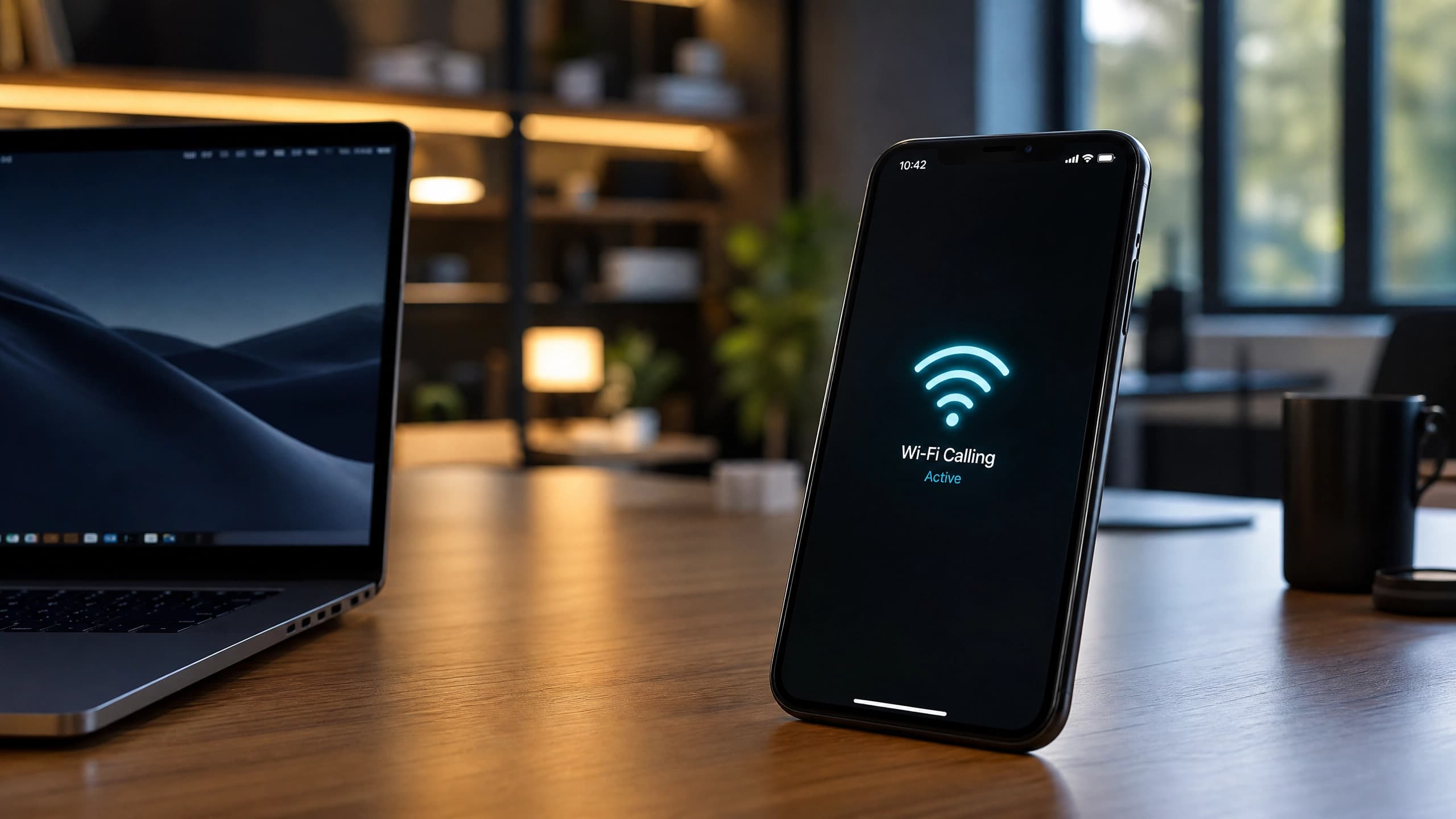
Wi-Fi calling represents a significant advancement in modern communication technology. Essentially, it allows you to make and receive voice calls, text messages, and even video calls over a Wi-Fi network instead of relying on a traditional cellular network. This form of communication can be particularly beneficial in areas where cellular signal strength is weak or non-existent. By leveraging a stable Wi-Fi connection, users can maintain seamless communication without the frustration of dropped calls or poor call quality.
The concept of Wi-Fi calling is not entirely new; it has been evolving over the past decade. Early forms of Wi-Fi calling required specialized applications and often came with their own set of limitations. However, today’s Wi-Fi calling technology is integrated directly into the smartphone’s operating system and is supported by major carriers, making it far more accessible and user-friendly. This integration ensures that the transition between Wi-Fi and cellular networks is smooth, providing a consistent and reliable communication experience.
Understanding Wi-Fi calling is essential for anyone looking to enhance their connectivity, especially in low-signal areas. It offers a practical solution for staying connected, whether you’re at home, in the office, or traveling internationally. By utilizing Wi-Fi networks, you can bypass the limitations of traditional cellular networks, ensuring that you’re always within reach, no matter your location.
How Wi-Fi Calling Works
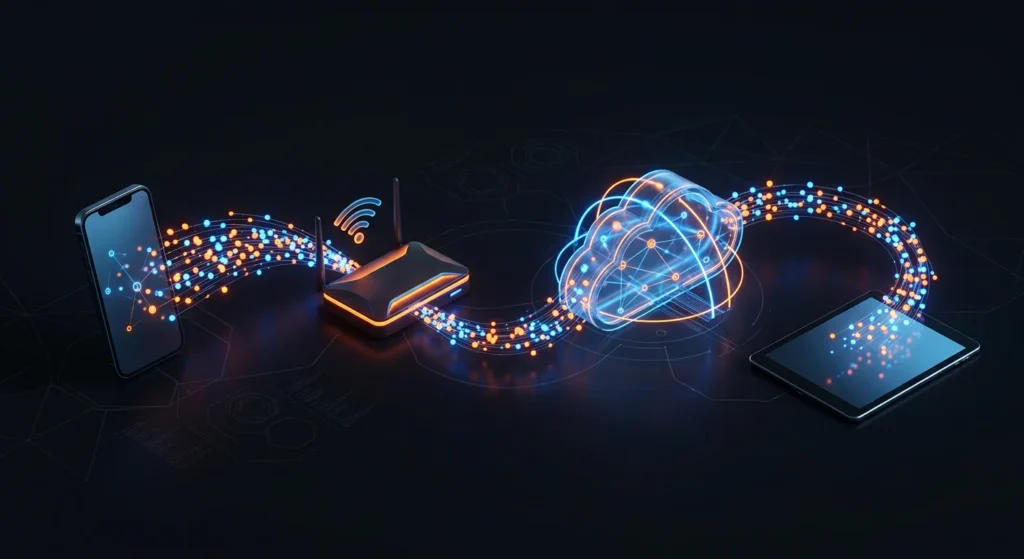
Wi-Fi calling functions by routing your voice calls and text messages through a Wi-Fi network instead of a cellular network. When you make a call, your phone converts your voice into data packets, which are then transmitted over the internet via the Wi-Fi network. Once these data packets reach their destination, they are converted back into voice signals, allowing the recipient to hear you clearly. This process is seamless and happens in real-time, ensuring that there is no noticeable difference in call quality.
The technology behind Wi-Fi calling involves several key components, including Voice over Internet Protocol (VoIP) and Session Initiation Protocol (SIP). VoIP is responsible for converting your voice into digital data, while SIP manages the setup and termination of the call. Together, these technologies enable smooth communication over the internet. Additionally, Wi-Fi calling utilizes advanced encryption protocols to ensure that your calls and messages are secure, protecting your privacy.
One of the most significant advantages of Wi-Fi calling is its ability to hand off calls between Wi-Fi and cellular networks seamlessly. For instance, if you start a call on a Wi-Fi network and move out of range, your phone will automatically switch to a cellular network without dropping the call. This capability is known as “seamless handoff” and is made possible through sophisticated algorithms that monitor signal strength and quality, ensuring a smooth transition between networks.
Benefits of Wi-Fi Calling

Wi-Fi calling offers a myriad of benefits that make it an attractive option for modern communication. One of the most notable advantages is improved call quality, especially in areas with poor cellular reception. By leveraging a stable Wi-Fi connection, you can enjoy crystal-clear voice calls and uninterrupted text messaging, even in locations where cellular signals struggle to penetrate. This is particularly beneficial in buildings with thick walls or in remote areas where cellular coverage is sparse.
Another significant benefit of Wi-Fi calling is cost savings. Many cellular carriers offer Wi-Fi calling as a free service, meaning you can make calls and send texts without incurring additional charges. This can be especially advantageous when traveling internationally, as it allows you to avoid expensive roaming fees. By connecting to a local Wi-Fi network, you can stay in touch with friends and family back home without worrying about exorbitant costs. Additionally, Wi-Fi calling can help extend the battery life of your device, as it typically consumes less power than traditional cellular calls.
Wi-Fi calling also enhances accessibility and inclusivity. For individuals living in rural or underserved areas, Wi-Fi calling can provide a reliable means of communication where traditional cellular networks fall short. It can also be a valuable tool for those with hearing impairments, as many Wi-Fi calling services offer features like real-time text (RTT) and video calling, which can facilitate more accessible communication. By bridging the gap between different connectivity options, Wi-Fi calling ensures that everyone has the opportunity to stay connected, regardless of their location or circumstances.
Differences Between Wi-Fi Calling and Traditional Calling
While both Wi-Fi calling and traditional calling serve the same fundamental purpose—enabling voice communication—they operate through distinct mechanisms and offer different user experiences. Traditional calling relies on cellular networks, which use radio waves to transmit voice signals between cell towers and your mobile device. This method is highly dependent on the availability and strength of the cellular signal, which can be affected by factors such as distance from a cell tower, physical obstructions, and network congestion.
In contrast, Wi-Fi calling uses a Wi-Fi network to transmit voice data. This means that as long as you have access to a stable Wi-Fi connection, you can make and receive calls, regardless of your proximity to a cell tower. This can be particularly advantageous in indoor environments or remote areas where cellular signals are weak. Additionally, Wi-Fi calling often provides better call quality and fewer dropped calls compared to traditional cellular calls, as it is less susceptible to signal interference and network congestion.
Another key difference between Wi-Fi calling and traditional calling is their impact on your mobile plan. Traditional calls typically count against your monthly voice minutes, depending on your carrier’s plan. On the other hand, Wi-Fi calling generally does not consume your voice minutes and may even be free if your carrier includes it as part of your service package. This can result in significant cost savings, especially for users who make frequent international calls or live in areas with limited cellular coverage. Overall, understanding these differences can help you make an informed decision about which communication method best suits your needs.
How to Enable Wi-Fi Calling on Your Device
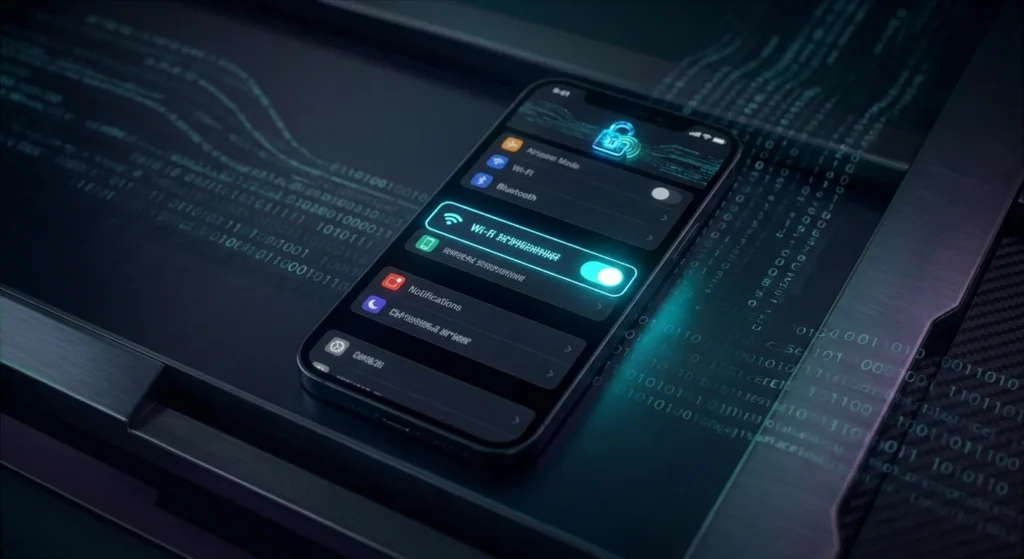
Enabling Wi-Fi calling is quick and easy. The steps differ slightly between iPhone and Android, but both take under a minute.
On iPhone (iOS)
- Go to Settings
- Tap Phone
- Tap Wi-Fi Calling
- Toggle it ON
You may be asked to enter your emergency address — fill it in accurately so emergency services can locate you if needed.
On Android
- Go to Settings
- Tap Network & Internet (or Connections on Samsung)
- Tap Mobile Network → Advanced
- Toggle Wi-Fi Calling ON
Some carriers require you to activate this feature through their app or website first.
What Happens Next?
Once enabled, your phone automatically switches between Wi-Fi and cellular — no manual action needed. A Wi-Fi calling icon will appear in your status bar whenever the feature is active.
Compatibility: Which Devices Support Wi-Fi Calling?
Wi-Fi calling is supported by a wide range of devices, including most modern smartphones from major manufacturers such as Apple, Samsung, Google, and others. However, the availability of Wi-Fi calling on your specific device may depend on both the device model and the carrier. Generally, newer devices are more likely to support Wi-Fi calling, as this feature has become increasingly standard in recent years.
For iOS users, Wi-Fi calling is supported on iPhones starting from the iPhone 5c and newer models. This includes popular models such as the iPhone 6, iPhone 7, iPhone 8, iPhone X, and beyond. On the Android side, Wi-Fi calling is available on a wide range of devices, including flagship models like the Samsung Galaxy series, Google Pixel series, and many others. It’s important to check with your carrier to ensure that your specific device model is compatible with their Wi-Fi calling service.
In addition to smartphones, some tablets and smartwatches also support Wi-Fi calling. For example, certain models of the iPad and Apple Watch can use Wi-Fi calling to make and receive calls, provided they are connected to a compatible iPhone. This extended compatibility allows for even greater flexibility and convenience, ensuring that you can stay connected across multiple devices. By verifying the compatibility of your devices and carrier, you can take full advantage of the benefits that Wi-Fi calling has to offer.
Wi-Fi Calling vs. VoIP: What’s the Difference?
While Wi-Fi calling and Voice over Internet Protocol (VoIP) share similarities in that they both use the internet to transmit voice data, they are distinct technologies with different use cases and functionalities. Wi-Fi calling is a feature provided by cellular carriers that allows you to make and receive calls over a Wi-Fi network using your regular phone number. This service is integrated into your phone’s operating system and requires no additional apps or accounts. It seamlessly switches between Wi-Fi and cellular networks to ensure consistent call quality.
VoIP, on the other hand, is a broader technology that encompasses any voice communication transmitted over the internet. VoIP services, such as Skype, Zoom, and WhatsApp, require specific applications and often use a separate user account rather than your regular phone number. VoIP can be used on a variety of devices, including computers, tablets, and smartphones, and is not limited to a specific carrier. While VoIP offers flexibility and additional features like video calling and instant messaging, it typically does not integrate as seamlessly with your phone’s native calling features.
One of the key differences between Wi-Fi calling and VoIP is how they handle emergency calls. Wi-Fi calling uses your carrier’s infrastructure to route emergency calls, ensuring that emergency services can accurately determine your location based on the emergency address you provide. VoIP services, however, may not support emergency calling or may route emergency calls differently, potentially making it more challenging for emergency responders to locate you. Understanding these differences can help you choose the best communication method for your needs and ensure that you remain connected in any situation.
Common Issues with Wi-Fi Calling and How to Troubleshoot
While Wi-Fi calling offers numerous benefits, it is not without its potential issues. One common problem users may encounter is poor call quality, which can be caused by a weak or unstable Wi-Fi connection. To troubleshoot this issue, ensure that you are connected to a strong and stable Wi-Fi network. You may also want to restart your router or move closer to the router to improve signal strength. If the problem persists, consider switching to a different Wi-Fi network or contacting your internet service provider for assistance.
Another issue that users may face is difficulty in enabling or using Wi-Fi calling. This can occur if your device or carrier does not support the feature or if there is a problem with your device settings. To resolve this, first, verify that your device and carrier support Wi-Fi calling. Next, ensure that Wi-Fi calling is enabled in your device settings and that you have entered a valid emergency address. If you continue to experience issues, try restarting your device or resetting network settings. Additionally, you can contact your carrier for further assistance and support.
Users may also experience problems with seamless handoff between Wi-Fi and cellular networks. This can result in dropped calls or interruptions when transitioning between networks. To minimize this issue, ensure that both your Wi-Fi and cellular signals are strong and stable. You can also enable features like Wi-Fi Assist on iOS or Adaptive Wi-Fi on Android, which help manage the transition between networks more effectively. By addressing these common issues and following troubleshooting steps, you can enjoy a more reliable and seamless Wi-Fi calling experience.
Security Considerations for Wi-Fi Calling

Security is a crucial aspect of any communication technology, and Wi-Fi calling is no exception. One of the primary security concerns with Wi-Fi calling is the potential for unauthorized access to your calls and messages. To mitigate this risk, Wi-Fi calling uses advanced encryption protocols to protect your data as it travels over the internet. This ensures that your voice calls and text messages remain private and secure, even when transmitted over a public Wi-Fi network.
Another important security consideration is the integrity of the Wi-Fi network itself. Public Wi-Fi networks, such as those found in coffee shops, airports, and hotels, can be more vulnerable to security threats like man-in-the-middle attacks and eavesdropping. To enhance your security when using Wi-Fi calling on public networks, consider using a Virtual Private Network (VPN). A VPN encrypts all data transmitted over the network, adding an extra layer of security and protecting your communication from potential threats.
It’s also essential to keep your device’s software up to date. Manufacturers regularly release updates that address security vulnerabilities and improve the overall security of your device. By ensuring that your operating system and apps are up to date, you can protect yourself from potential security risks associated with Wi-Fi calling. Additionally, be cautious about connecting to unknown or unsecured Wi-Fi networks, and always use strong, unique passwords for your Wi-Fi network to prevent unauthorized access. By taking these precautions, you can enjoy the benefits of Wi-Fi calling while maintaining a high level of security.
Conclusion: Is Wi-Fi Calling Right for You?
Wi-Fi calling offers a range of benefits that can significantly enhance your communication experience. From improved call quality and cost savings to greater accessibility and seamless integration, it provides a practical solution for staying connected, especially in areas with poor cellular reception. By understanding how Wi-Fi calling works, enabling it on your device, and addressing potential issues, you can make the most of this valuable feature.
However, it’s important to consider your specific needs and circumstances when deciding whether Wi-Fi calling is right for you. If you frequently find yourself in areas with weak cellular signals or travel internationally, Wi-Fi calling can be a game-changer, offering reliable and cost-effective communication. On the other hand, if you already have strong cellular coverage and rarely use Wi-Fi networks, the benefits of Wi-Fi calling may be less significant.
Ultimately, Wi-Fi calling is a versatile and valuable tool that can enhance your connectivity and communication experience. By weighing the benefits and considering your unique situation, you can determine whether Wi-Fi calling is the right choice for you. Whether you’re at home, in the office, or on the go, Wi-Fi calling ensures that you can stay connected and communicate effortlessly, no matter where life takes you.