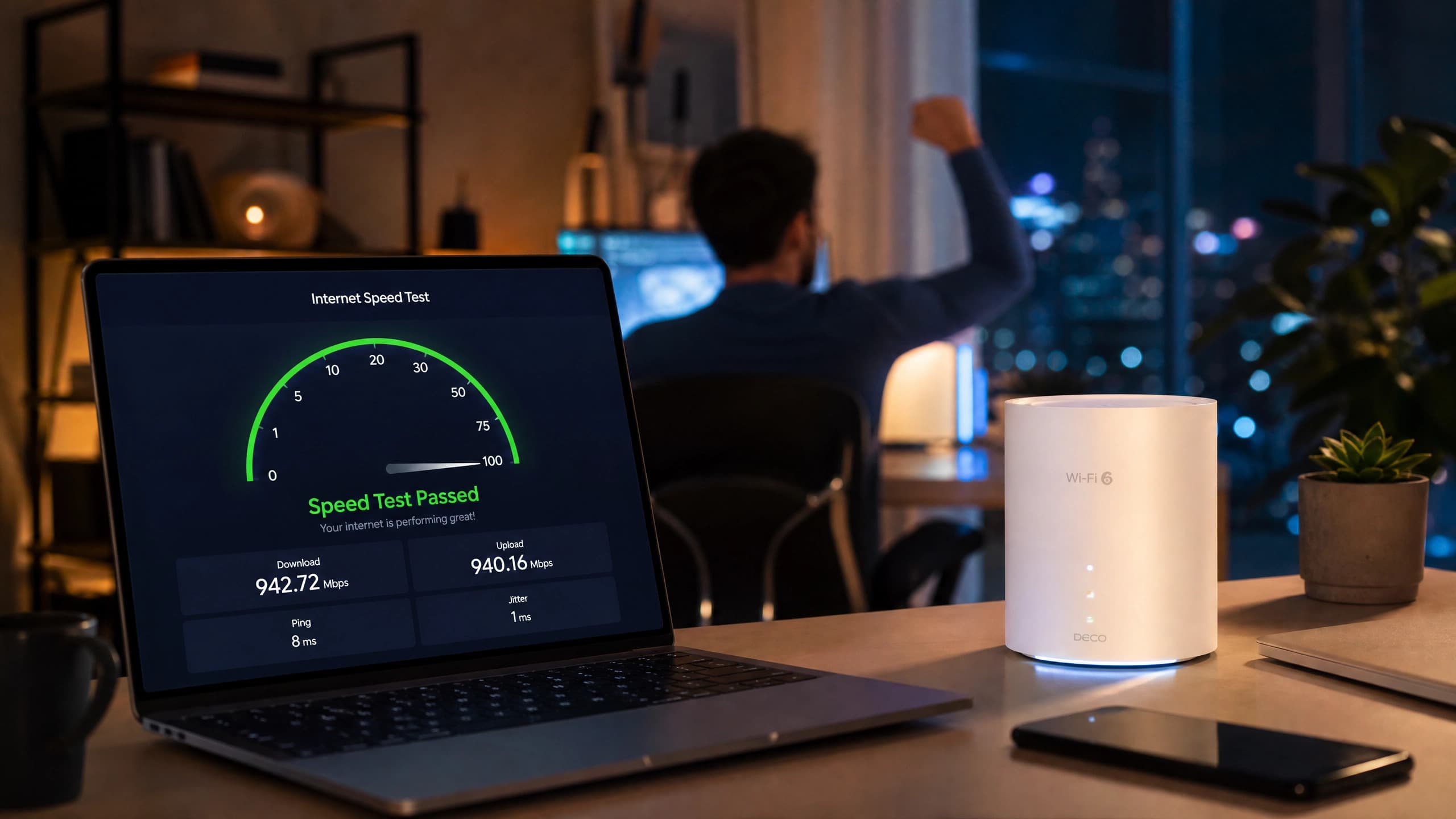
Internet Speed Testing: How to Check Your Internet Speed Accurately
We’ve all been there: you sit down for an important Zoom meeting or fire up Netflix, only to be greeted by the dreaded buffering wheel. Frustrating, right? When your connection crawls to a halt, guess

We’ve all been there: you sit down for an important Zoom meeting or fire up Netflix, only to be greeted by the dreaded buffering wheel. Frustrating, right? When your connection crawls to a halt, guessing the cause won’t get you back online faster. Instead, you need real data to diagnose the bottleneck. Running an internet speed test is the quickest way to uncover exactly what’s happening behind the scenes of your home network.
Understanding your baseline connection matters because every digital activity relies on adequate network performance. Whether you are gaming competitively, streaming in 4K, or working remotely, your download speed and upload speed dictate the quality of your experience. For many internet users—including the growing population of Pakistan internet users—knowing your actual bandwidth helps you hold internet providers accountable and ensure you get what you pay for.
By the end of this guide, you’ll know exactly how to measure your network like a professional. I’ll walk you through everything from interpreting confusing metrics like latency to selecting the most accurate diagnostic tools available today. Ready to optimize your connection and banish buffering for good? Let’s dive into the ultimate breakdown of internet speed test mechanics.
What Does an Internet Speed Test Actually Measure?
Before you check internet speed, it helps to understand the metrics flashing across your screen. Every time you launch a speed test online, the tool sends a small packet of data from your device to a remote server and tracks how long the round trip takes. This communication assesses the overall health and capacity of your network in real-time.
The results reveal not just raw throughput, but also how consistently your data travels back and forth. This gives you a complete picture of your router speed and connection stability. Here is a breakdown of the vital metrics you will see:
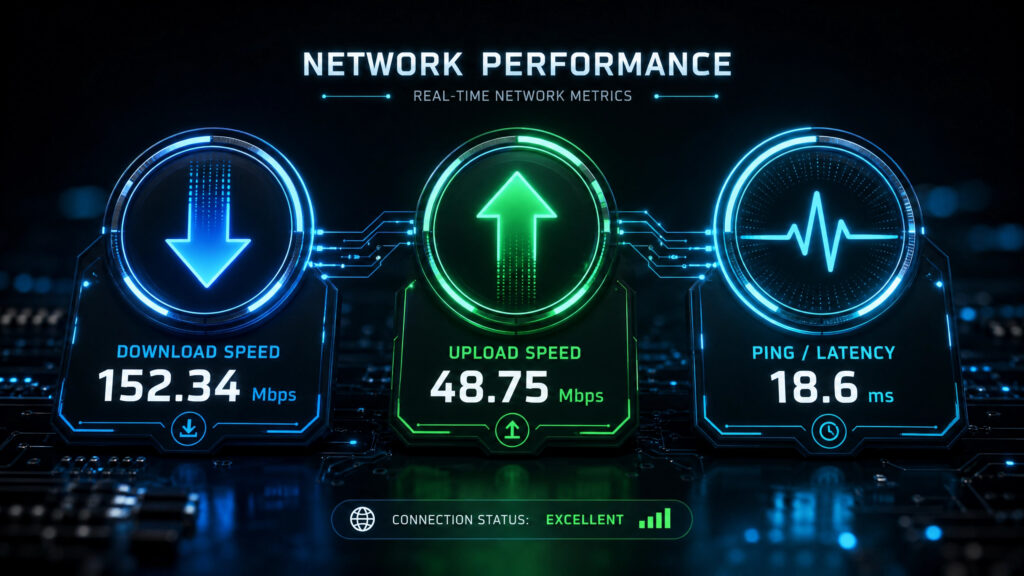
- Download speed: This measures how quickly data pulls from the server to your device, which is absolutely crucial for watching videos, browsing the web, or downloading large files.
- Upload speed: This metric tracks how fast you can send data from your device up to the internet, directly impacting video calls, uploading large attachments, and livestreaming quality.
- Ping / Latency: Ping calculates the reaction time of your connection in milliseconds; a lower number means less lag during online gaming and much smoother video conferencing.
- Mbps vs Kbps: Mbps (Megabits per second) is the modern standard for fast broadband connections, whereas Kbps (Kilobits per second) represents much slower, outdated speeds like dial-up.
- Throughput: This is the actual, practical amount of data your network handles successfully over a specific timeframe, rather than the theoretical maximum promised by your provider.
- Jitter: Jitter measures the variation in your ping over time, highlighting connection inconsistencies that often cause stuttering in voice or video communications.
How to Check Your Internet Speed Accurately (Step-by-Step)
Running an internet speed test seems simple enough, but a poorly executed test will give you misleading results. To test internet connection speed with absolute accuracy, you need to eliminate external variables that might throttle your data behind the scenes. Follow these precise steps for a flawless reading:
- Plug your computer directly into your router using an Ethernet cable rather than doing a wifi speed test, as wired connections provide the truest measure of your baseline network capacity.
- Pause all active background downloads, close open applications, and temporarily disconnect smart home devices that silently consume bandwidth in the background.
- Navigate to a trusted diagnostic platform like Ookla Speedtest on your web browser or download their dedicated mobile application.
- Manually choose a testing server located as close to your physical location as possible to ensure you record the lowest possible latency.
- Run the internet speed test at least three different times throughout the day to account for peak traffic fluctuations and network congestion.
- Compare the resulting Mbps speed against the specific internet tier you currently purchase from your provider to see if you are getting what you pay for.
Pro Tip: Always bypass your Wi-Fi connection when diagnosing an ISP issue; if your wired speed perfectly matches your paid plan but your wireless speed drops drastically, the problem lies with your wireless router, not your provider.
Best Internet Speed Test Tools in 2026
Not all diagnostic platforms deliver the exact same level of precision. To find the best broadband speed test, you want a platform backed by an extensive global server network, unbiased methodology, and transparent reporting. Here are the top tools professionals currently use to conduct an internet performance test right now:
AXVOI SpeedTest: Available at https://speed.axvoi.com, AXVOI SpeedTest gives users a straightforward way to measure connection performance, including key metrics such as download speed, upload speed, latency, and overall network responsiveness.
Ookla Speedtest: This industry-standard tool offers extensive global testing infrastructure, giving you precise latency, download, and upload metrics from almost anywhere in the world.
Fast.com: Powered by Netflix, this minimalist tool focuses mainly on download speeds to quickly show whether your network can handle high-resolution video streaming.
Google Speed Test: Operated in partnership with Measurement Lab, this convenient option appears directly in Google search results for a quick connection check.
Cloudflare Speed Test: Cloudflare provides deeper technical analytics, including jitter and latency insights that power users may appreciate.
TestMy.net: Running entirely in the browser using HTML5, this independent platform is known for simple, software-free testing and unbiased results.
Why Is My Internet Speed Slow? Common Causes & Fixes
Discovering that your internet speed test results fall significantly short of expectations can be incredibly frustrating. However, before you spend hours on hold waiting for technical support, you should investigate your local hardware and environmental factors first. Often, the bottleneck lives right inside your home.
The vast majority of connection drops stem from how your Wi-Fi connection communicates with your physical devices. Let’s look at the most common culprits dragging down your network speeds and how you can rapidly fix them without needing an IT degree.
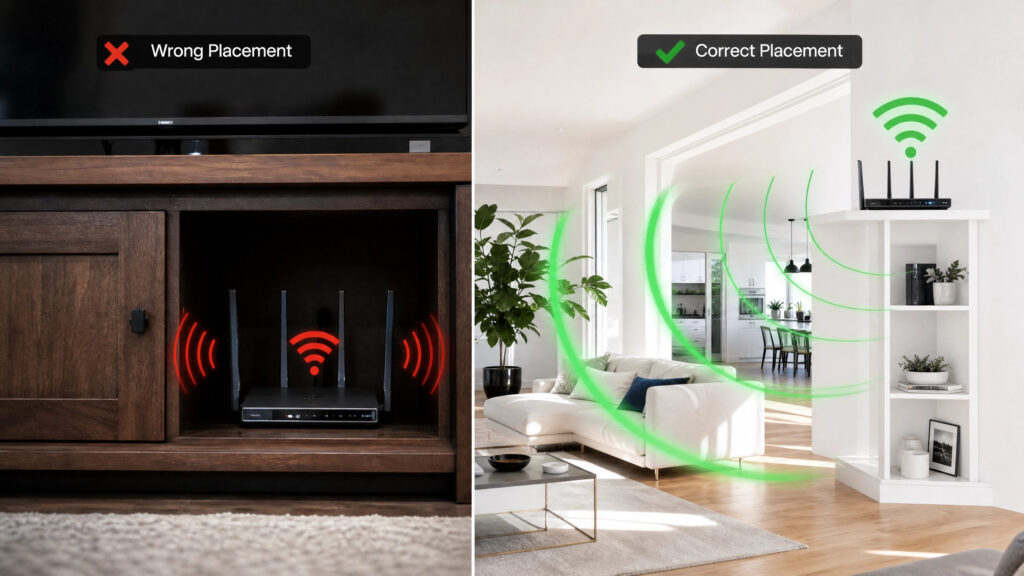
- Router Placement: Thick walls, metal appliances, and water block wireless signals heavily. Quick fix: Move your router to a central, elevated position away from microwaves or heavy electronics.
- Wi-Fi Interference: Neighborhood networks broadcasting on the exact same channel cause severe congestion. Quick fix: Log into your router settings and manually switch to a less crowded wireless channel.
- Outdated Router: Older hardware simply cannot handle modern gigabit bandwidth or multiple simultaneous devices. Quick fix: Upgrade to a modern Wi-Fi 6 or mesh network system capable of handling higher throughput.
- Band Steering Issues: Smart devices sometimes stubbornly cling to the slower 2.4GHz band instead of utilizing the much faster 5GHz band. Quick fix: Enable band steering in your router dashboard or separate the network names entirely.
- Peak Hours Congestion: Residential internet services share local neighborhood infrastructure, frequently causing slowdowns during busy evening hours. Quick fix: Schedule heavy file downloads for late at night or early in the morning.
- ISP Throttling: Some providers intentionally slow down heavy data users to preserve overall network stability. Quick fix: Use a reputable VPN to mask your internet traffic and bypass artificial data caps.
Internet Speed Test in Pakistan — What to Expect
If you are running an internet speed test in Pakistan, geographical context is absolutely essential. According to recent PTA (Pakistan Telecommunication Authority) reports and Ookla’s Speedtest Global Index, the local telecom landscape is expanding rapidly. Cellular services now cover over 91% of the population, bringing connectivity to previously underserved regions. Fixed broadband users generally experience median download speeds hovering around 20 Mbps, though major urban centers like Lahore, Karachi, and Islamabad frequently see much faster fiber-optic connections exceeding 100 Mbps.
When choosing among local internet providers, your performance will vary noticeably by region and infrastructure. For fixed broadband lines, internet services like Transworld and PTCL Flash Fiber currently lead the pack in overall speed and connection consistency. Meanwhile, mobile users often find Jazz and Zong offering the most reliable mobile broadband experiences. To get the absolute most accurate local reading, always manually select a server located in your specific province when initiating an internet speed test.

FAQs — Internet Speed Testing
What is a good internet speed for everyday use?
For a typical household, download speeds between 50 and 100 Mbps are excellent for everyday use. This bandwidth comfortably supports multiple people simultaneously browsing the web, checking email, streaming music, and watching standard high-definition video without frustrating interruptions or buffering delays.
References
Note: Always verify URLs before publishing. Links may change. All statistics should be cross-checked with the original source before use.
- [Ookla]. (2024). Speedtest Global Index: United States & Global Rankings. Speedtest.net.
- [Federal Communications Commission]. (2022). Broadband Speed Guide. FCC.gov.
- [Pakistan Telecommunication Authority]. (2024). PTA Annual Report 2023-2024. PTA.gov.pk.
- [GSMA Intelligence]. (2024). The State of Mobile Internet Connectivity 2024. GSMA.com. Verified Source
- [Griffith, Eric]. (2024). The Best Internet Service Providers for 2024. PCMag.com.
- [Rybka, Jason]. (2024). How to Check Your Internet Speed. PCMag.com.
Conclusion
Taking complete control of your digital life starts with holding your home network accountable. You no longer have to settle for endless buffering or mystery slowdowns, because now you have the exact blueprint to diagnose issues and demand better performance. As connectivity pioneer Vint Cerf famously noted, “The internet is a reflection of our society, and that mirror is only as clear as our connection allows.” Don’t let a sluggish network dim your digital potential or disrupt your daily workflow. Go ahead, run an internet speed test right now, and claim the lightning-fast connectivity you truly deserve.