
Top 10 Website Mistakes That Are Killing Your Sales
Are hidden website mistakes costing you customers? Discover the top 10 design, SEO, and UX errors that silently kill sales, and learn how to fix them today.

Your website is often the first interaction a potential customer has with your business, yet unseen website mistakes can silently reduce sales before a visitor even scrolls down the page. Even if you drive thousands of targeted visitors to your site, a single point of friction can make them bounce to a competitor. These unnoticed errors act like hidden leaks in a bucket, constantly draining your marketing budget and costing you valuable revenue.
When users land on your site, they expect a seamless, secure, and intuitive journey. User experience, clean design, lightning-fast website performance, and strong credibility signals are non-negotiable foundations for modern conversions. Furthermore, if your SEO optimization is lacking and your calls to action (CTAs) are weak, you simply cannot maximize your conversion rate optimization efforts. A beautiful website that is difficult to use or fails to guide the visitor properly is ultimately a liability rather than a business asset.
In this comprehensive guide, you will learn exactly why your website is not converting and how to identify common website mistakes that reduce sales. We will walk you through the top ten conversion-killing errors—from poor navigation to ignored analytics—and provide you with actionable fixes to improve your user experience, regain visitor trust, and turn your website into a powerful lead-generation machine.

What Are Website Mistakes?
Website mistakes are structural, technical, or design flaws that negatively impact how users and search engines interact with your site. These errors can range from a confusing menu layout and slow loading speeds to missing meta tags and poor typography. When left unaddressed, they severely damage your website’s user experience, undermine your SEO efforts, erode trust, and create unnecessary barriers that stop visitors from completing desired actions, ultimately hindering your long-term business growth.
Why Website Mistakes Kill Sales
Visitors leave websites rapidly when they encounter poor UX, confusing layouts, or broken pages, which directly lowers conversions and hurts your bottom line. In today’s highly competitive digital landscape, modern consumers have little patience for a site that fails to immediately provide clear value and a frictionless journey. This is why conversion rate optimization matters immensely; by proactively fixing website errors that hurt business, you eliminate distractions, build credibility, and smoothly guide your target audience toward making a purchase or submitting a lead form.

Top 10 Website Mistakes That Reduce Sales
1. Slow Website Loading Speed
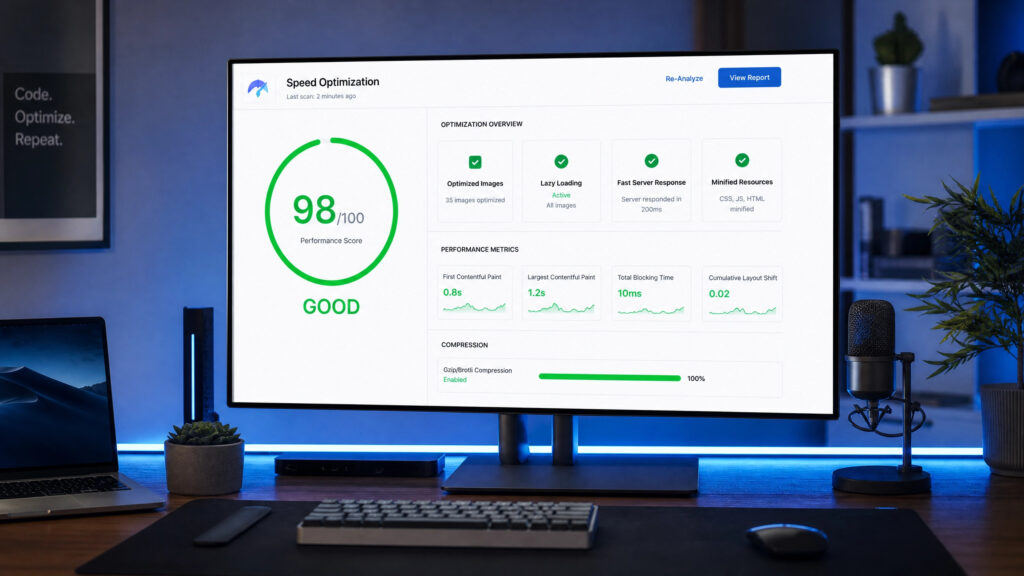
In an era of instant gratification, slow website loading speed is a primary reason users abandon a site. If your pages take more than a few seconds to load, potential customers will leave, your Google rankings will drop, and your overall website performance will suffer. Utilizing tools like Google PageSpeed and checking your scores on PageSpeed Insights can help you identify massive images, bloated code, or server issues that are secretly bottlenecking your digital sales.
2. Poor Mobile Responsiveness
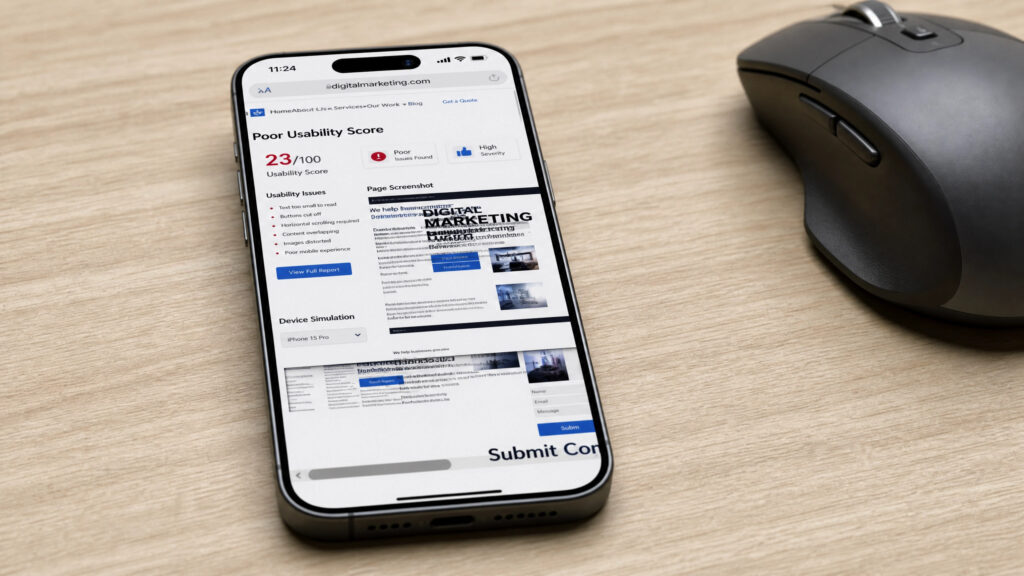
With the majority of global web traffic coming from mobile devices, poor responsive design immediately alienates a huge segment of your target audience. If users have to pinch, zoom, or scroll horizontally to read your text, this lack of user-friendliness destroys your UX and drastically lowers mobile conversions.
3. Confusing Navigation and Menu Structure
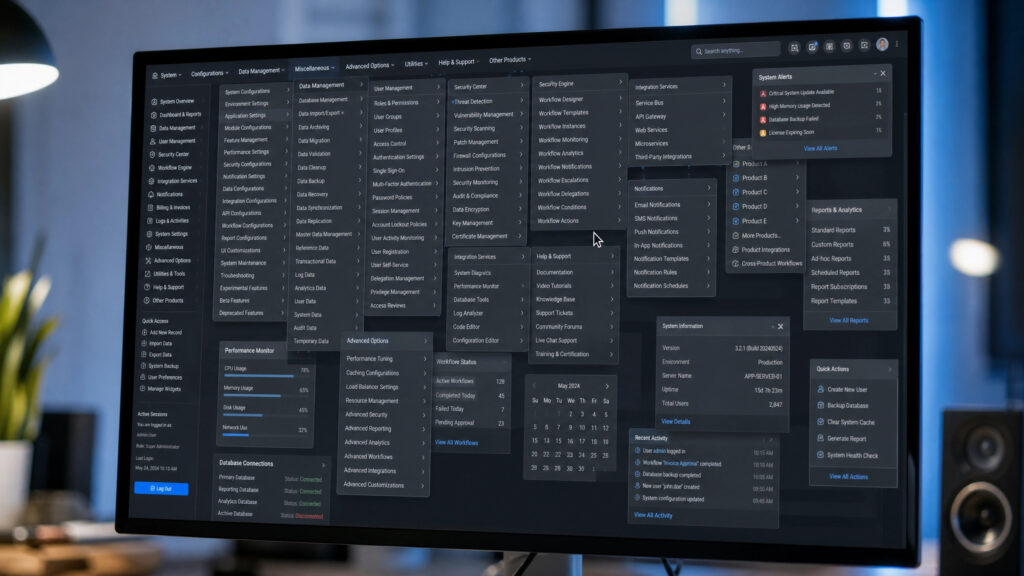
A website should be intuitive, but unclear navigation and a weak menu hierarchy leave visitors feeling lost and frustrated. When your user experience design forces people to click through confusing, disorganized categories just to find basic information, they will simply abandon your site and look for a more straightforward competitor.
4. Weak or Unclear Call to Action
Your call to action (CTA) is the gateway to a sale, yet many businesses use weak, hard-to-find, or completely unclear prompts. Without prominent, action-oriented CTAs guiding the user journey, you will suffer from reduced leads, lost sales, and poor conversion rate optimization results.
5. Poor Visual Hierarchy and Messy Design
Bad typography, conflicting fonts, improper spacing, and a cluttered layout completely destroy usability and credibility. A strong visual design hierarchy is crucial because it subconsciously guides the user’s eye to the most important elements; without it, your brand looks unprofessional and untrustworthy.
6. Low-Quality Content and Wrong Keyword Targeting
Even with great web design, poor content, weak blog strategy, and thin pages will ruin your SEO performance and user trust. Targeting the wrong keyword means you are attracting the wrong audience, leading to high bounce rates and zero sales because the visitors’ search intent does not match what your business offers.
7. Missing Trust Signals and Credibility Elements
Modern shoppers are highly skeptical, so failing to include testimonials, case studies, contact details, or an SSL certificate for HTTPS is a fatal error. Professional design combined with strong brand credibility elements assures users that their data is safe and that you are a legitimate, reputable business.
8. Ignoring SEO Basics
Ignoring fundamental SEO basics like meta tags, descriptive alt text, logical internal links, and Google-friendly URL structure makes your site invisible to search engines. If you fail to prioritize keyword optimization and technical SEO, your target audience will never find your website organically, no matter how good your product is.
9. Bad Landing Page Experience
A successful ad campaign is completely wasted if it points to a bad landing page experience with an unclear offer and confusing user journey. Poor design, weak content, and a lack of alignment between the ad and the landing page instantly kill user momentum and drastically reduce your conversions.
10. No Analytics, Tracking, or Conversion Testing
You cannot improve what you do not measure, which is why ignoring analytics, user behavior tracking, and A/B testing is a massive oversight. Proper conversion rate optimization relies on data, and failing to track how users interact with your site means you are just guessing instead of actively improving your digital strategy.
How to Fix Common Website Mistakes That Hurt Business
To turn your website into a high-converting asset, start by optimizing your website speed and ensuring your responsive design works flawlessly across all devices. Audit your UX design and WordPress configuration, checking that every call to action stands out with contrasting colors and clear text. Prioritize your technical SEO by updating your alt text, refining meta tags, and establishing a clean typographic hierarchy for maximum usability, while consistently using analytics and PageSpeed Insights to monitor improvements and track user behavior.
Website Mistakes Checklist for Business Owners
- Optimize images and minify code to improve page loading speed.
- Test your website across various mobile devices for responsive design flaws.
- Simplify your menu navigation and implement a clear, logical page hierarchy.
- Ensure all calls to action (CTAs) are prominent, clear, and compelling.
- Upgrade visual hierarchy using readable fonts, good spacing, and clean design.
- Verify all pages have an active SSL certificate (HTTPS) and clear contact info.
- Rewrite thin content and ensure you are targeting the right search intent.
- Update basic SEO elements, including title tags, meta descriptions, and image alt text.
- Ensure landing pages match your ad copy and have a single, focused goal.
- Install and monitor Google Analytics to track user behavior and conversions.
When Should You Hire Web Designers or Web Developers?
While minor content updates and basic WordPress tweaks can often be handled in-house, a business should hire professional web designers or web developers when facing deep-rooted performance, UX, or conversion problems. If your site suffers from complex technical SEO issues, requires advanced custom functionality, or needs a complete structural redesign to fix poor user experience and slow loading speeds, investing in expert web professionals will yield a much higher return on investment than attempting temporary, DIY fixes.
Conclusion
Fixing website mistakes is not just about making your site look prettier; it is about removing friction, building immediate trust, and smoothly guiding your visitors toward a purchase. By proactively improving your user experience, optimizing your SEO basics, prioritizing speed, and engaging in continuous conversion rate optimization, you can transform an underperforming website into a highly profitable digital storefront that drives sustainable business growth.